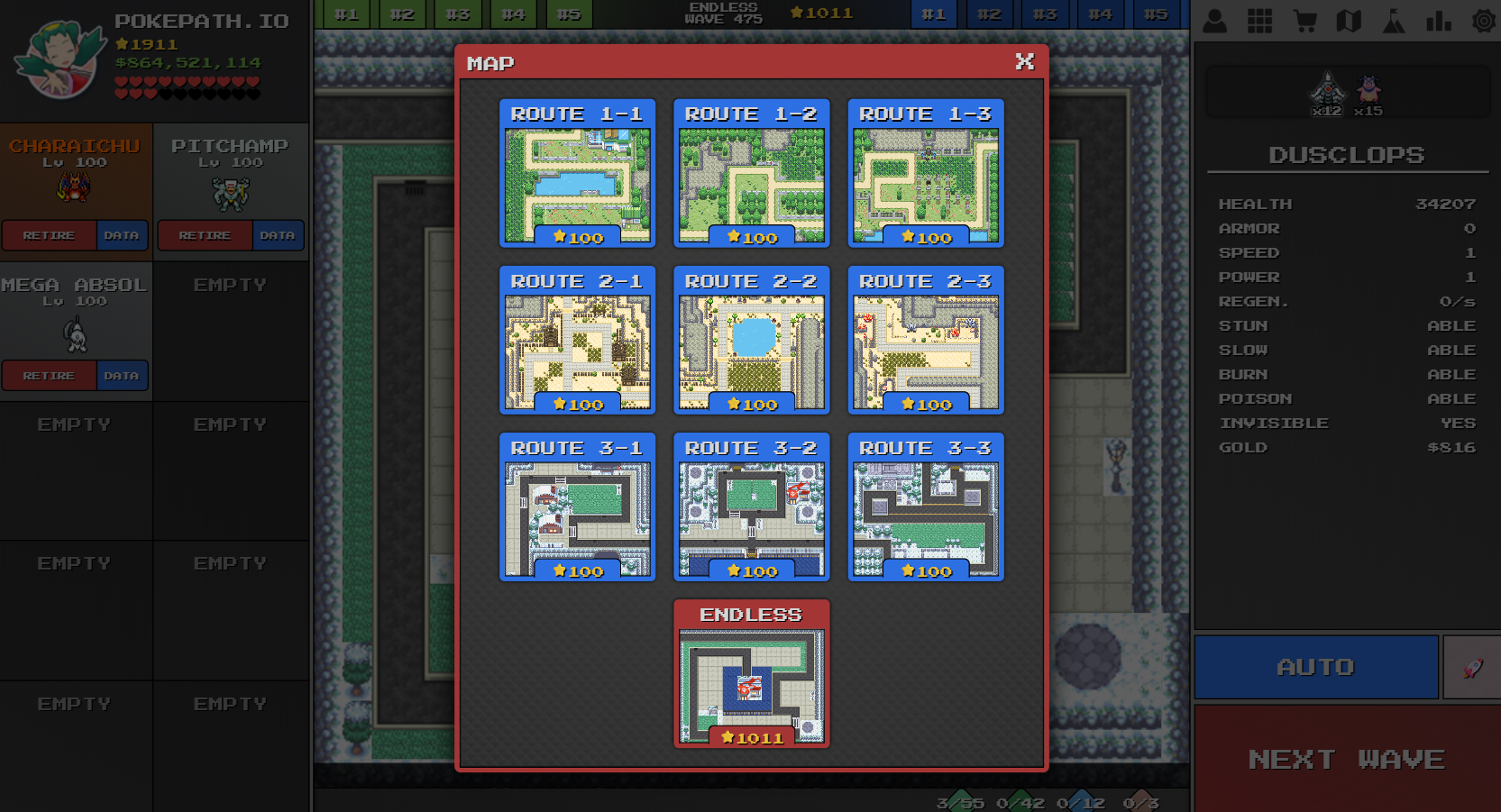
PokePath Fusion is a version developed by pokepath.io based on PokePath TD. In PokePath Fusion, when certain Pokemon reach level 100, they can be fused to become a more powerful and interesting Pokemon. Additionally, PokePath Fusion introduces an Endless Mode to test your Pokemon's power, where you'll face even stronger bosses.
How to Play PokePath Fusion
In PokePath Fusion, the real fun begins when you reach 900 stars. You can challenge the Endless Mode to test your strongest Pokemon team compositions. Players can also fuse certain Pokemon together - note that only Pokemon at level 100 can be fused.
We recommend new players to obtain fusible Pokemon as soon as possible and use powerful fused Pokemon to clear the first 9 routes quickly. If you feel like gold is coming in too slowly, check out our Best Farm Team guide and the Farm Build section in Community Builds.
FAQ
Q1: I don't know how to fuse Pokemon
A1: Fusing Pokemon in PokePath Fusion requires two conditions: only specific Pokemon can be fused, and both Pokemon must reach level 100. To fuse, simply stack two compatible Pokemon on top of each other when deploying. Watch this video tutorial:
Q2: My save file is gone, what should I do?
A2: PokePath Fusion supports cloud saves. You need to register at the top right corner of pokepath.io to use this feature. If you've used cloud save, simply load your saved data. Cloud save has auto-save functionality. For details, please see our Cloud Save Guide.
Q3: How do I separate fused Pokemon?
A3: Place the fused Pokemon in the left slot, click DATA, and you'll find a DNA icon at the bottom left of the panel. Click it to unfuse.
Q4: My Ditto has to remove all Pokemon from the slot every time I want to copy, which is inconvenient
A4: In PokePath Fusion, you can drag Pokemon in the slots to swap their positions. Simply move the Pokemon you want to copy to slot 1, and Ditto can copy it directly.
Q5: Can PokePath Fusion saves be shared with PokePath TD?
A5: PokePath Fusion saves cannot be used in PokePath TD. However, PokePath Fusion supports saves from all PokePath TD versions up to and including 1.3.6. Remember to backup your save before trying!
Browser Version Notice
We recommend logging in and using the cloud save feature when playing PokePath Fusion. Browser version saves are stored in localStorage and can be easily lost. The browser version supports iOS, Android, Mac, and desktop. We have only released the PokePath Fusion browser version on pokepath.io - there is NO downloadable version on any platform!
Disclaimer
PokePath Fusion is a fan-made game inspired by the Pokemon universe. It is not affiliated with or endorsed by Nintendo, Game Freak, or The Pokemon Company.
How to Contact Us
If you have great ideas for PokePath Fusion or any other thoughts, feel free to leave a comment on our itch.io page or YouTube channel, or email us directly via our Contact Us page.